How to Get Started with Digital Art
Growing pains need not be so painful
Starting digital art can feel like stepping into an unfamiliar world. There are tablets, styluses, software, tutorials, and communities everywhere. But the truth is you don’t need everything at once. You need focus. You need tools that work. You need a mindset that sticks.
Hardware and Software Essentials
Drawing Tablets: A tablet transforms your screen into a canvas. Even an entry-level tablet gives you pressure sensitivity, responsive strokes, and the ability to layer like a pro. For beginners, a budget-friendly tablet with reliable drivers can make the learning curve feel smoother.
iPad or Portable Alternatives: If you prefer a portable setup, a tablet plus stylus is ideal. You don’t need the expensive Apple Pencil. There’s high-quality alternatives exist that perform just as well.
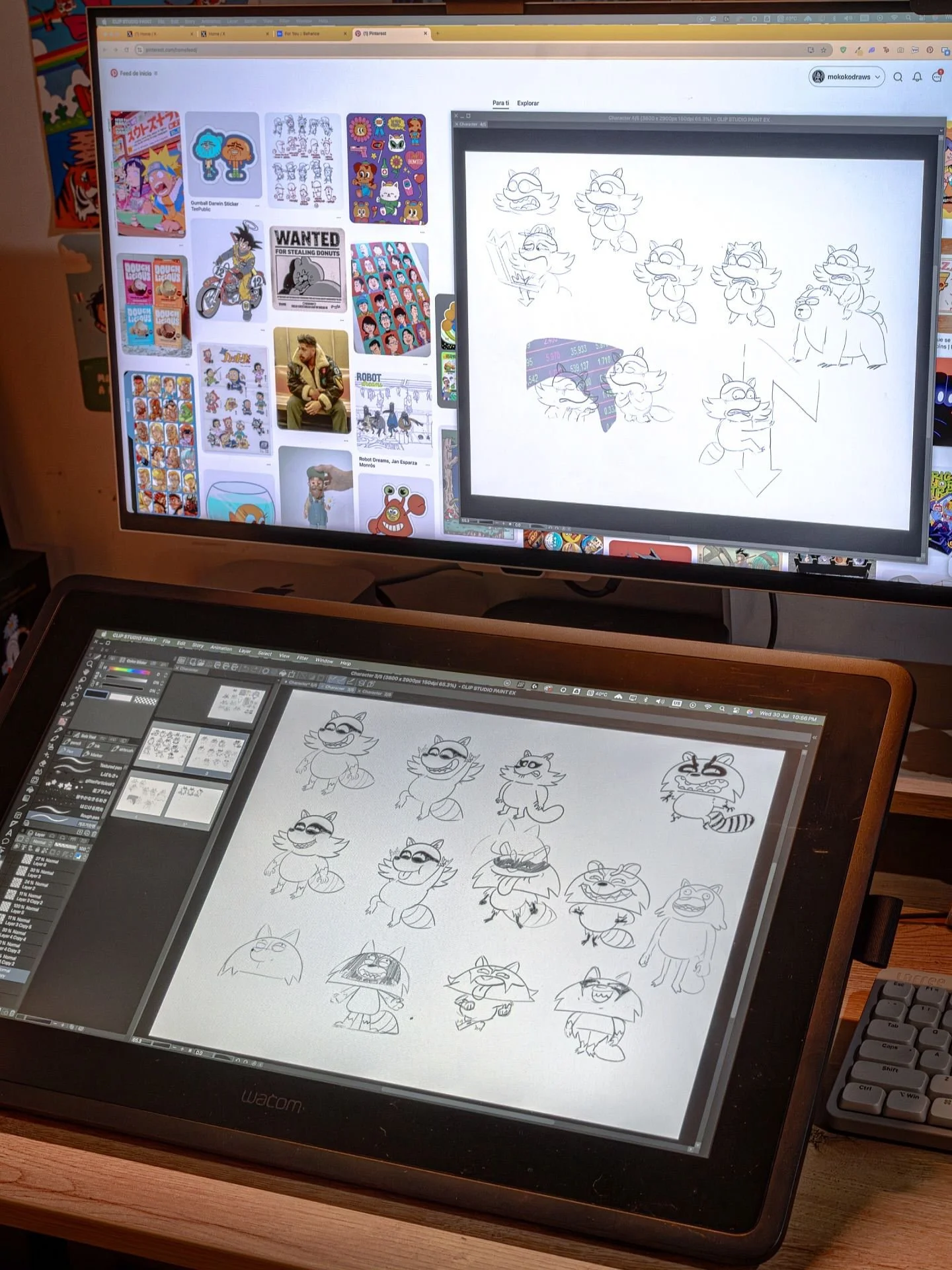
Software: Start with tools that are beginner-friendly. Free programs like Krita or Ibis Paint X provide tutorials, intuitive interfaces, and enough functionality to get serious practice without breaking the bank.
Learning and Practice Tips
Start With Fundamentals: Before jumping into digital, brush up on traditional fundamentals. Practice gestures, shapes, and form. Pencil and paper practice teaches your hand to see and capture ideas before adding the complexity of software.
Use Tutorials and Online Resources: Full-length tutorials and structured exercises accelerate learning. Websites like DrawABox.com or beginner-focused YouTube channels help you practice systematically without guesswork.
Practice Regularly: Consistency beats intensity. Even 20–30 minutes a day compounds into visible improvement over weeks and months. A dedicated sketchbook or digital practice folder keeps your daily habit organized.
Avoid Comparison: Everyone starts somewhere. Avoid comparing yourself to professionals; focus on your own progress. The key is showing up and experimenting.
Mental Approach
Embrace the Struggle: Digital art is frustrating at first. Layers, brushes, and shortcuts can feel confusing, but mistakes are your fastest teacher. Save everything,. Even the “bad” sketches. They become references for improvement.
Stay Positive: Step away when frustration hits. Take breaks, stretch, or come back with fresh eyes. A comfortable, supportive chair can make returning to practice a little easier .
Your First Step
The hardest part isn’t buying tools or learning shortcuts. Pick a device, open a blank canvas, and commit.
Over time, small daily choices build your foundation. Before long, what once felt impossible becomes instinct, and your digital art journey truly begins.
